
Gorgeous bells
A curated library of carefully recorded bells, bowls, and chimes — from Tibetan singing bowls to Japanese temple bells.
Meditation Timer & Bell
“Peace comes from within. Do not seek it without.”
Download on App StoreEnsō is designed to disappear — so your practice can take center stage. Beautiful bells, gentle intervals, and smart presets that remember how you like to meditate.
A curated library of carefully recorded bells, bowls, and chimes — from Tibetan singing bowls to Japanese temple bells.
A soft bell every few minutes, quietly keeping you anchored in the present — without breaking your stillness.
Save your favorite setups and activate them with a tap — or from Spotlight. Presets can even switch on automatically at your usual meditation times.
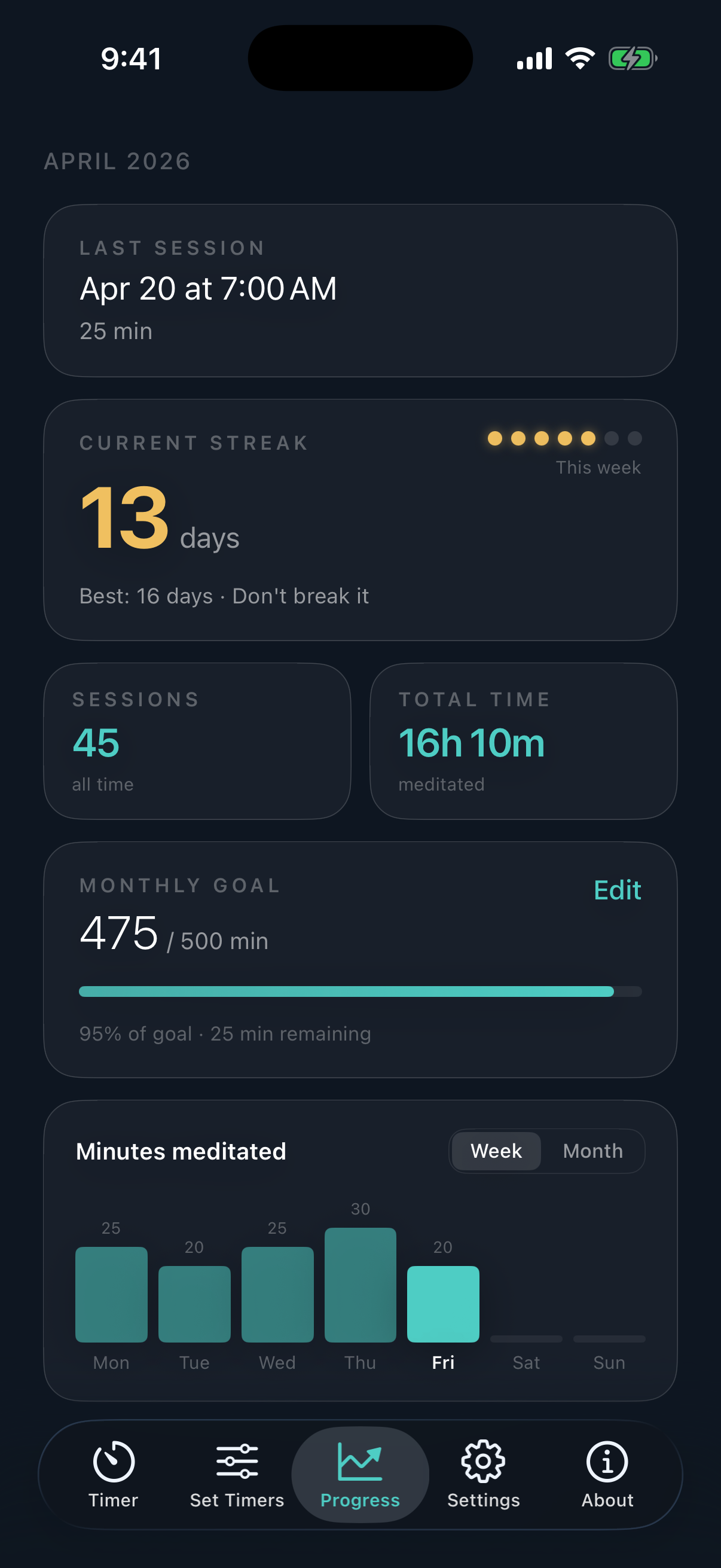
See your streak and time on the cushion at a glance. Completed sessions sync automatically with Apple Health.
Schedule a soft nudge to sit each day — your own bell, your own moment. Loud enough to notice, quiet enough to welcome.
The same beautifully designed experience, tuned for every screen. Universal purchase, no extra cost.
Ensō gets out of your way. A single, elegant timer — surrounded by everything you might need, and nothing you don't.
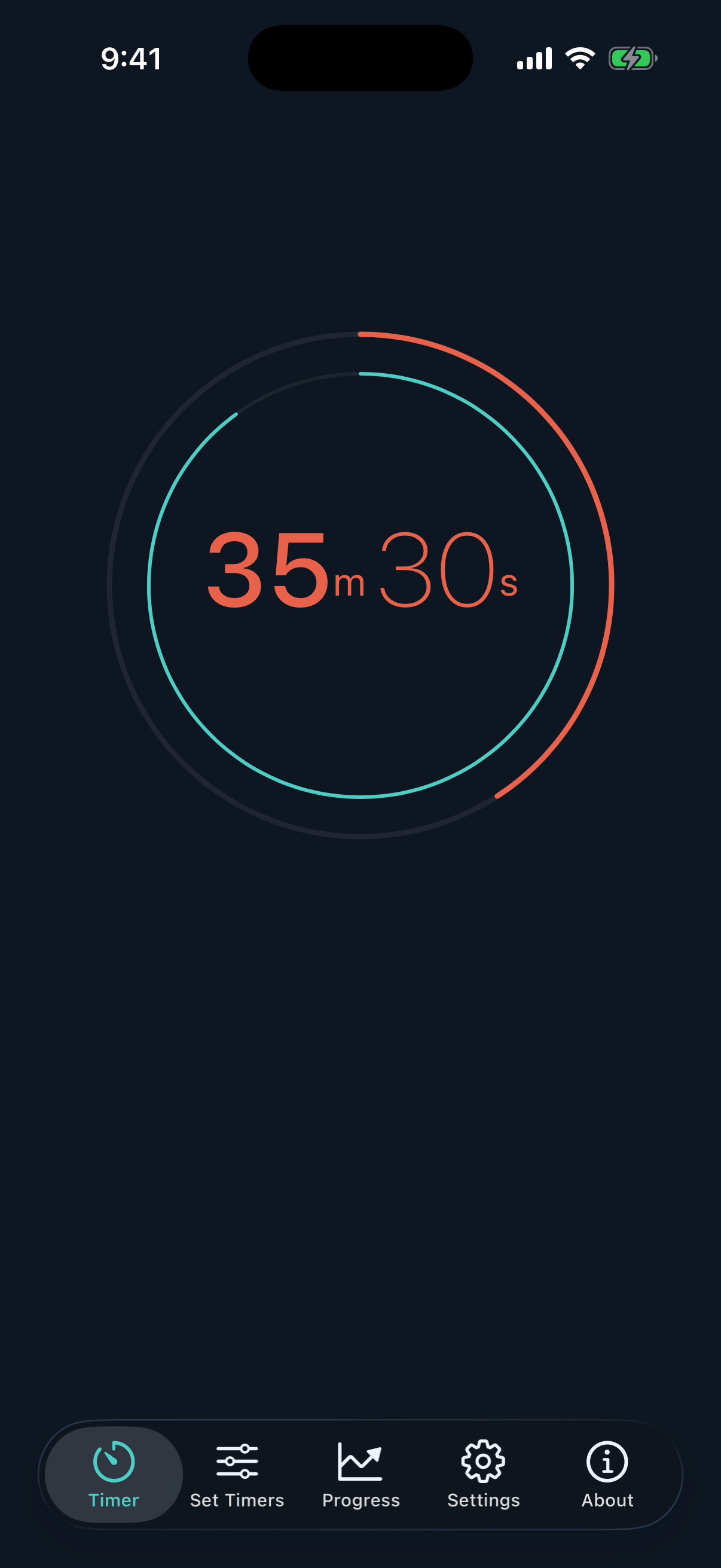
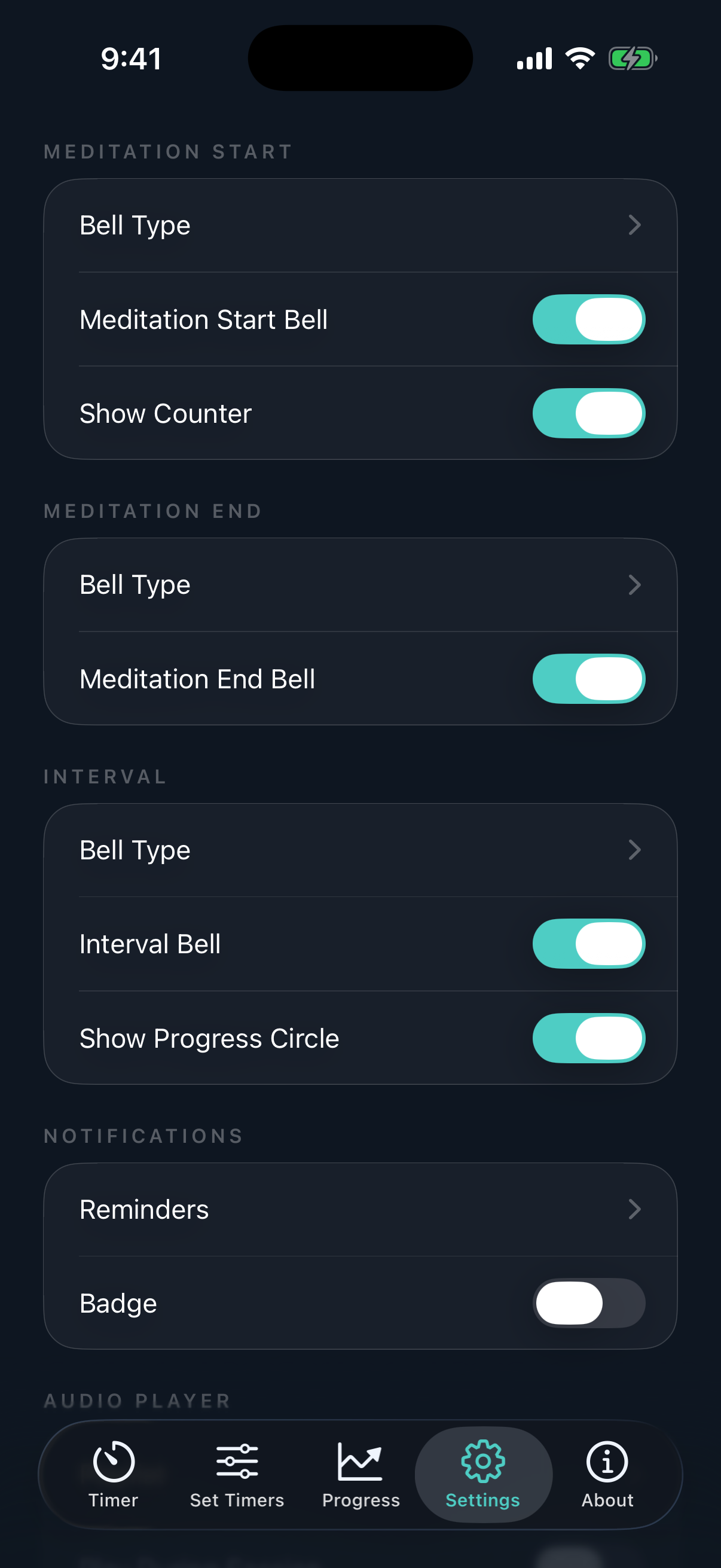
Set your preparation, interval, and meditation times. Choose your bells. Tap Begin. That's it — Ensō handles the rest.
The Preparation timer gives you a moment to settle before the start bell (0–60 seconds).
The Interval timer rings a gentle bell at set intervals during your session — useful for walking meditations, refocusing, or just knowing where you are in the session.
A saved combination of timers and bells you use regularly. For example: 30 minutes in the morning with a Japanese temple bell, 50 minutes in the evening in silence. Save each as a preset and switch between them in a tap.
Presets that activate automatically at specific times of day. Enable Intelligent Presets in Settings, give each preset a start and end time, and Ensō will have the right one ready when you sit down.
Yes. Swipe down from the home screen, type your preset's name, and tap it to activate immediately.
Yes. Completed sessions are logged as Mindful Minutes in the Health app (with your permission). Abandoned sessions aren't recorded.
All purchases and subscriptions are handled by Apple, so refunds go through Apple rather than us. Visit reportaproblem.apple.com, sign in, find your Ensō purchase, and request a refund. For a subscription you can also manage or cancel it anytime in Settings → your name → Subscriptions.
We don't have access to your payment details and can't issue refunds ourselves, but if Apple's process gives you trouble, email us and we'll help however we can.
Your progress is stored locally on each device. Mindful Minutes logged to Apple Health do sync through iCloud if you have that enabled in the Health app.
Yes. In Settings, tap Restore Purchases while signed in with the same Apple ID you originally used.
60 minutes is the current maximum. If longer sessions are something you'd like to see, let us know.
We'd love to hear from you. Email hello [at] ensomeditationtimer [dot] app and we'll get back to you.
Press inquiries, feature requests, bug reports, or just to say hello — the team reads every message.
Email us